Confirm the Mac and workflow
Share your macOS version, event type, and the two inputs you want to test.
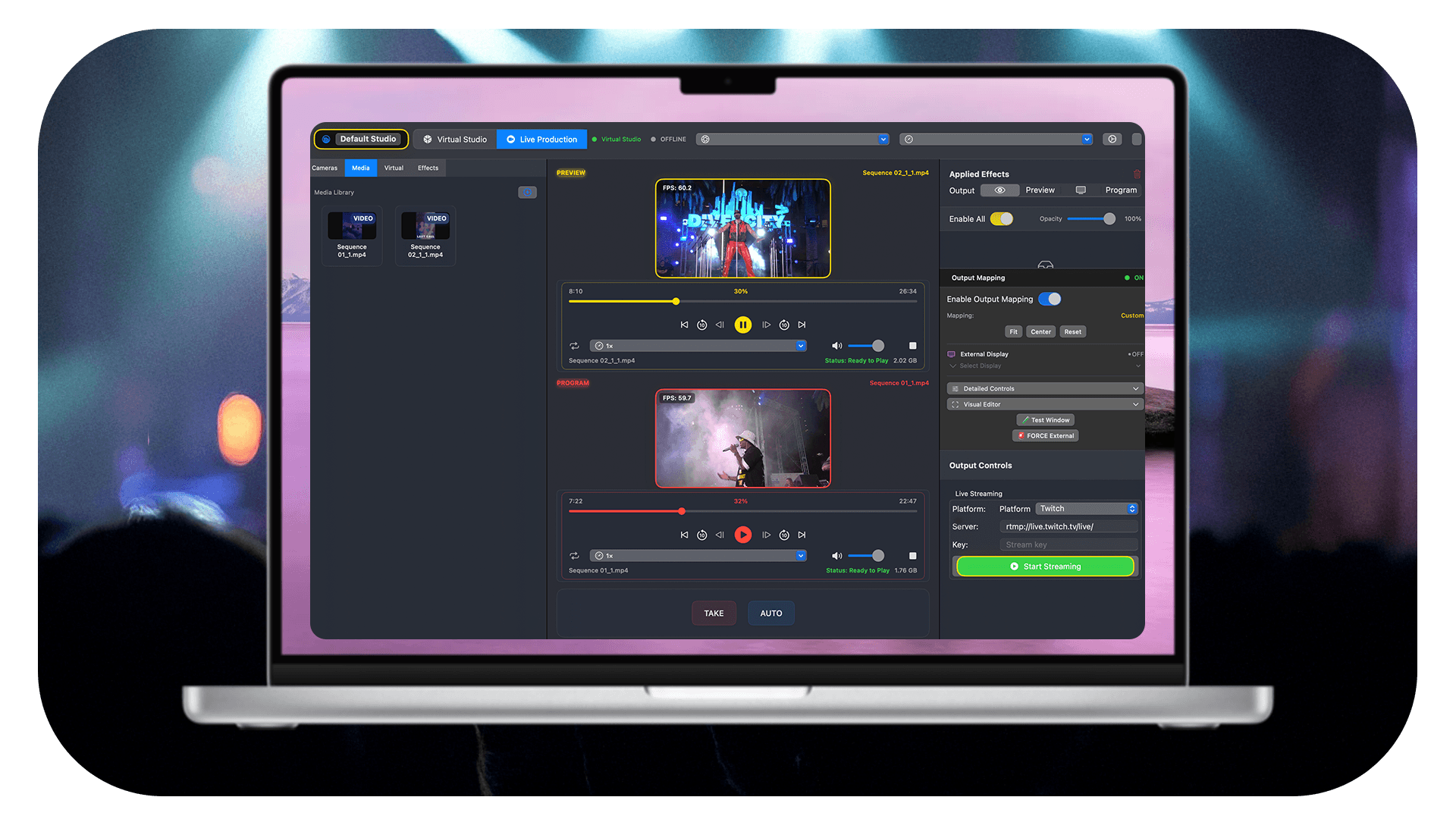
Founder-guided Live trial for Mac production teams
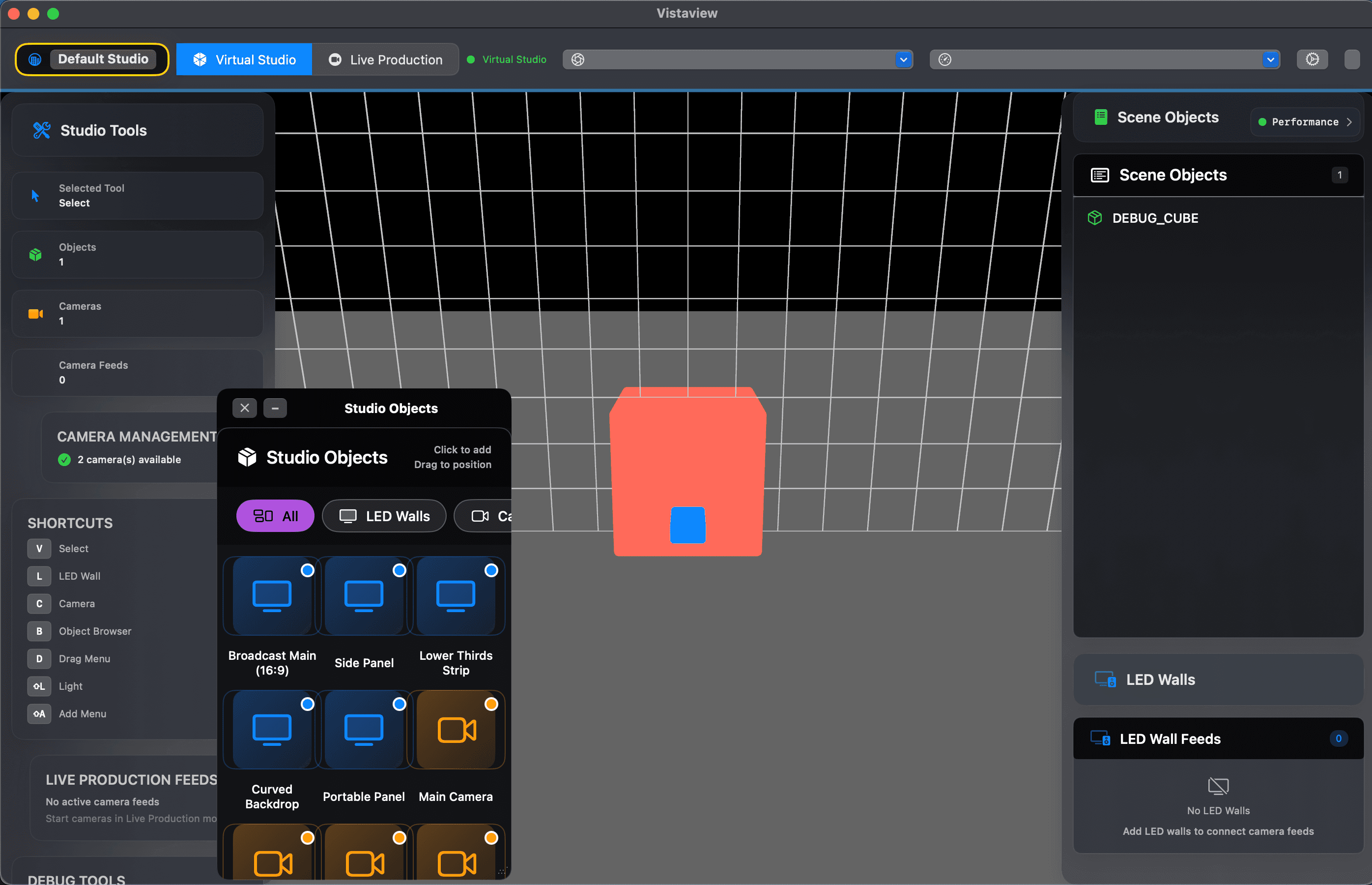
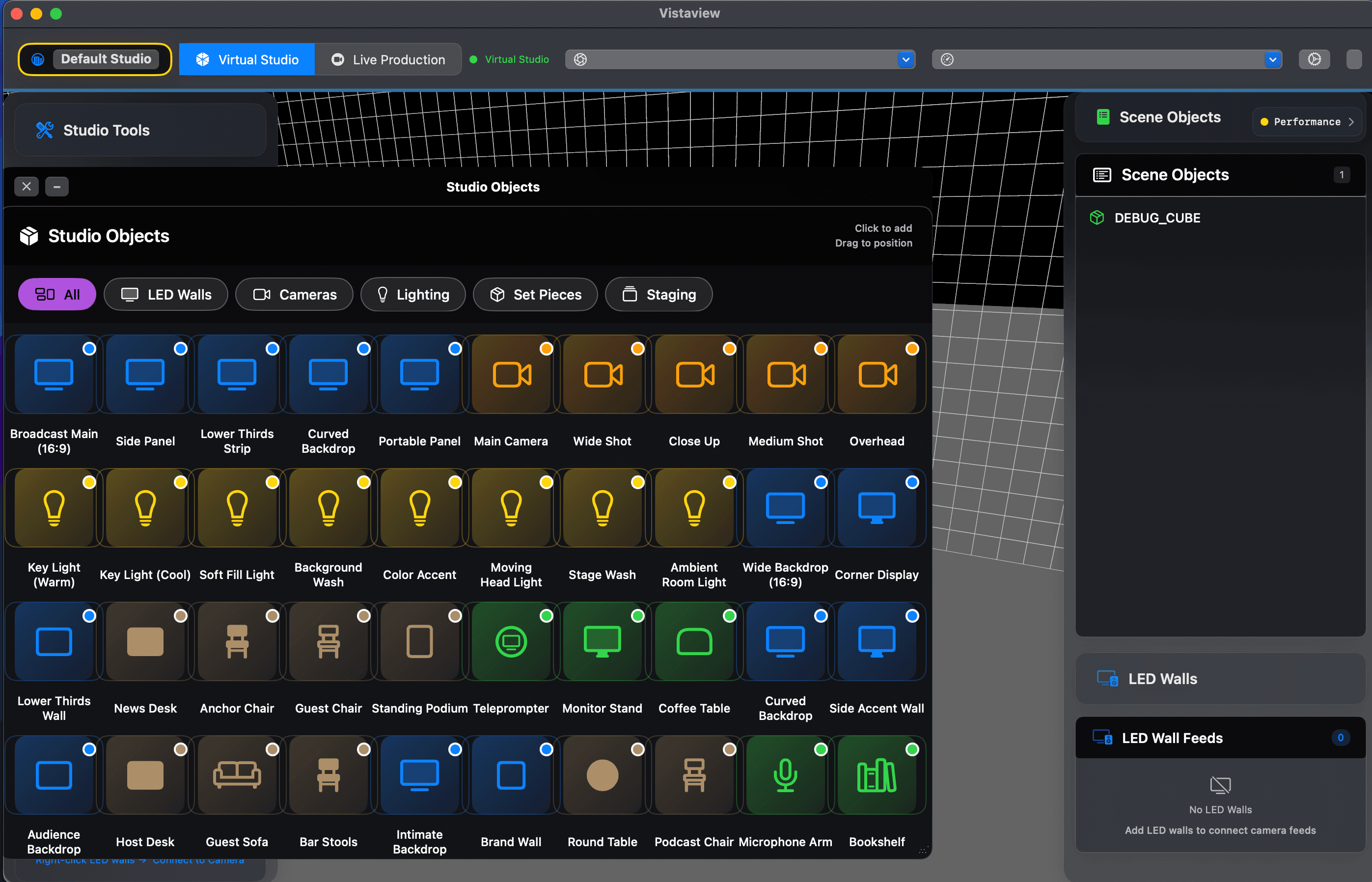
Vantaview is a Mac-native live-production app for multicamera switching, overlays, and local recording. Start with one watched rehearsal: two inputs, one switch, one overlay, one short recording.
There is no charge during the 7-day trial. Email/password sign-up is available today; Google and Apple sign-in are not enabled yet.
The first useful output is the product test: two inputs, one switch, one overlay, one local recording.
Share your macOS version, event type, and the two inputs you want to test.
We watch sign-up, checkout, download, browser auth, and app activation.
Add two sources and switch Preview to Program so the output visibly changes.
Add one overlay and record a short local clip you can review with your team.
Include your Mac model and macOS version, the production workflow, and the two inputs you want to test.
Confirmed today: Mac-native multicamera switching, overlays, and local recording. For NDI, SDI, Blackmagic, Intel Mac, RTMP, or exact input-count questions, send your setup and we will verify before promising fit.
Focused on the first Live workflow: add sources, switch, overlay, and record.
Prepare a shot in Preview, then send it live to Program with confidence.
Switch between connected camera and media sources in one Mac-native workflow. (Live+)
Add simple graphics and show elements without leaving the production view.
Capture a short local recording for review, rehearsal, or client approval.
Start with the recommended Live tier, with no charge during the 7-day trial.
Get guided setup for one concrete workflow without changing your full rig.
Use Vantaview alongside your current setup for one low-risk rehearsal: two sources, one overlay, one local recording.
Use connected cameras or media sources that fit the rehearsal.
Confirm the next shot before sending it live.
Put a simple graphic or show element over the Program view.
Create a local recording for review before the trial clock matters.
Concierge onboarding can walk through this exact run with your team during the Live trial.
Set up sources, switch Preview to Program, add overlays, and record a local clip.
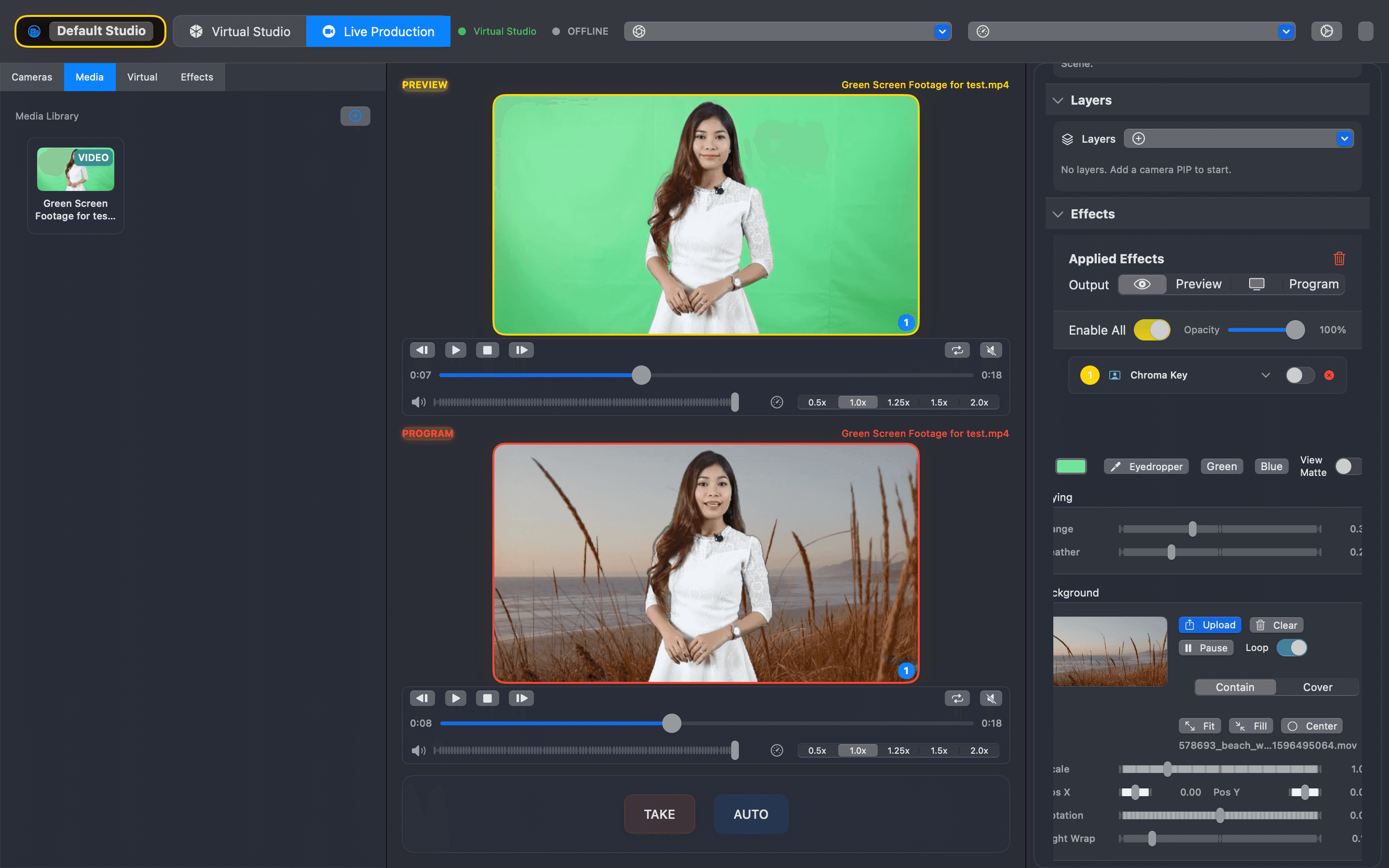
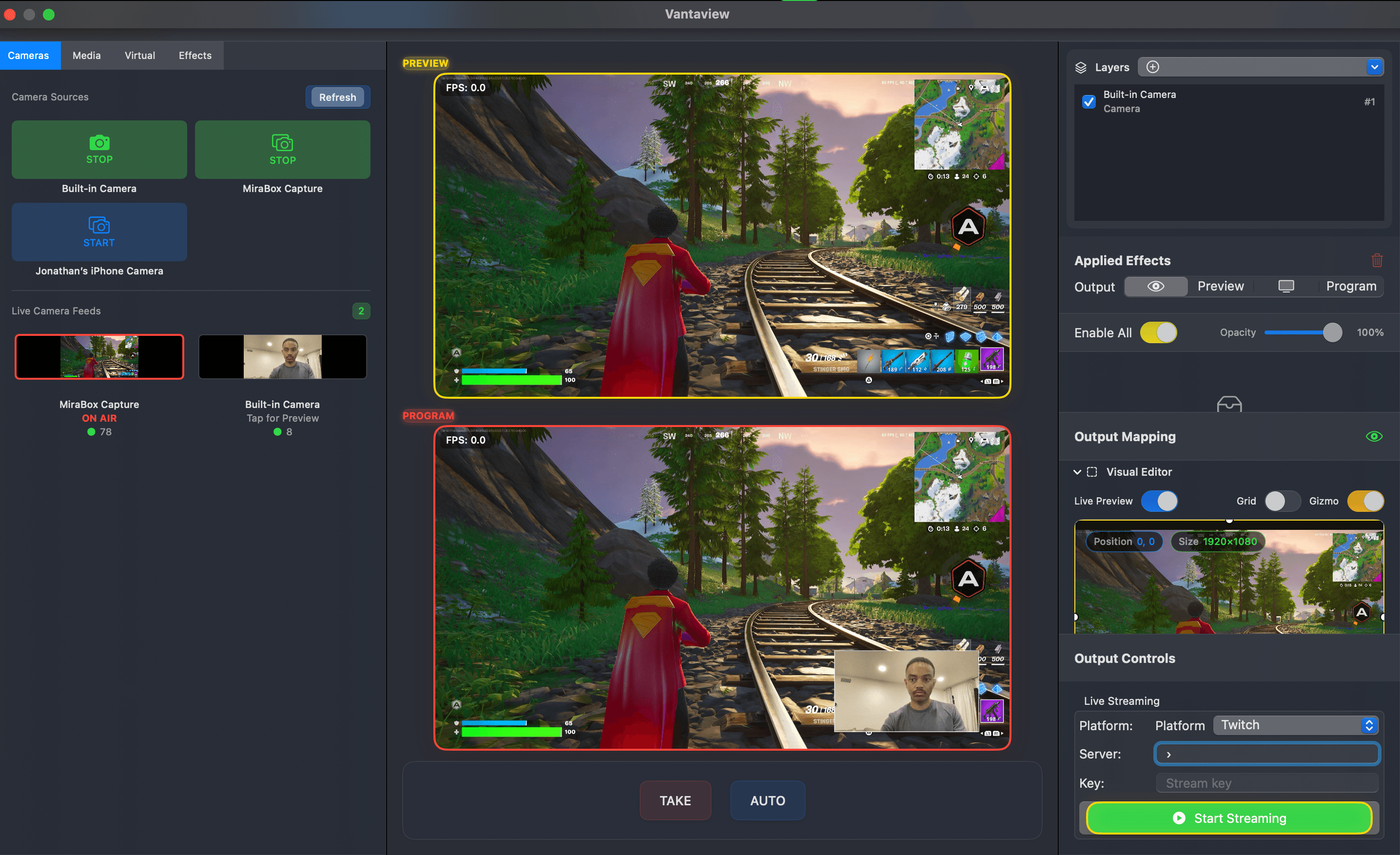
Start with Live for one focused workflow, then expand only after fit is clear.
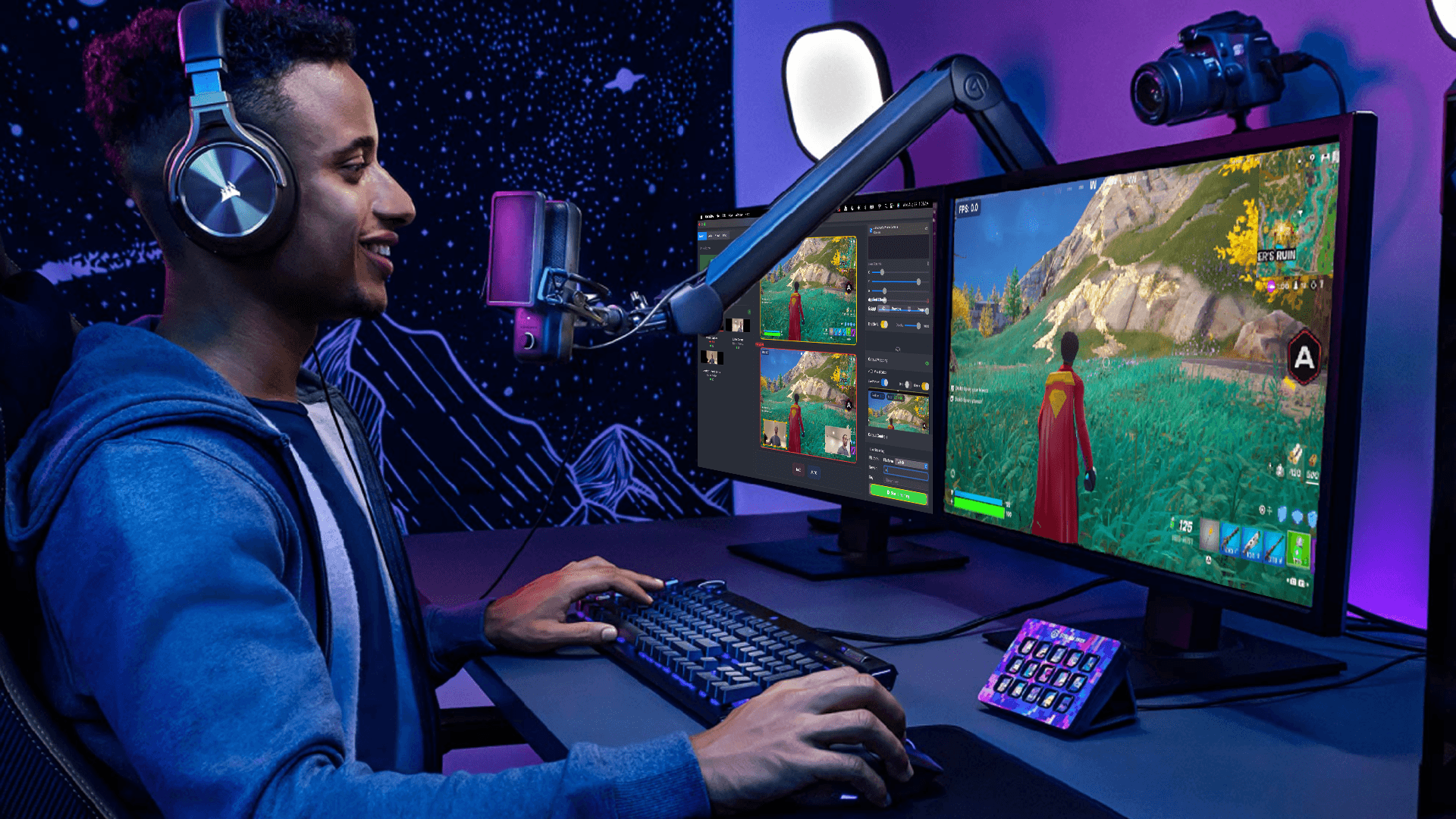
Playback, overlays, and local recording for simple Mac-based workflows.
The recommended starting point for multicamera switching, overlays, and recording.
For larger production workflows after a fit review.
Founder-supported advanced workflows after a fit check.
All tiers include a 7-day trial with no charge during the 7-day trial. For first teams, the watched Live setup is the recommended path.
Multicamera switching, overlays, and local recording for real events.
Book the watched setup or start with the Live tier. No charge during the 7-day trial.